


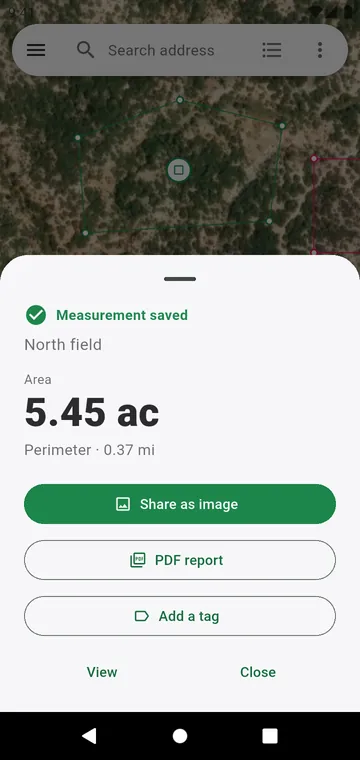
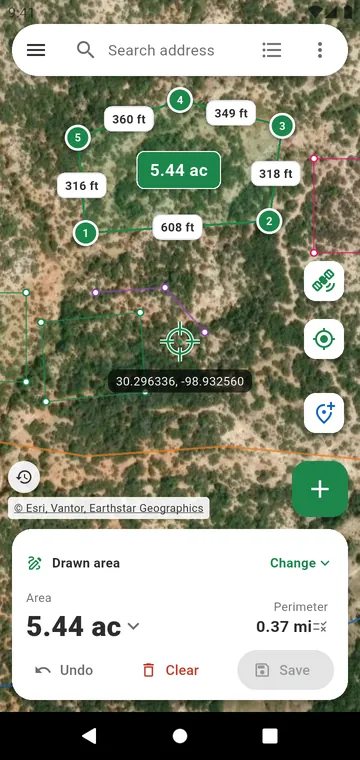
Tap the figure to change the unit
On the map, tap the area or the length to see it in another unit, for that screen only. The default units are set in Settings, Units and formats.
The units available
- Lengths: metres, kilometres, feet, yards, miles, chain, karam.
- Areas: m², hectares, km², square feet, square yards, acres.
- South Asia: guntha, cent (dismil), marla, kanal, ground, bigha, katha, and the Bangladesh bigha.
- Elsewhere: rai, feddan, dunam, mu, sotka and manzana, chosen automatically in their country; tsubo, pyeong, jia and square vara on request.
- Your own unit: a name and its size in m², when the bigha of your district is not the bigha of the next one.
Compound display
With Composite display, an area reads the way it is written on a deed: 1 ac 40 dismil, 2 bigha 5 katha, 3 kanal 12 marla. The Unit converter shows the same compound values.
See also the guide Acres, hectares, bigha, guntha: converting land units.