

The ± after every GPS figure
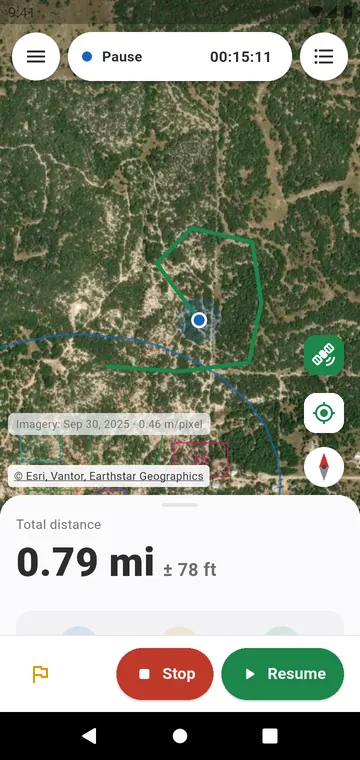
"1.24 km ± 18 m" means the real length is very likely between 1.22 and 1.26 km. An area gets a percentage: "0.87 ha ± 4 %". The margin grows with poor signal and shrinks with a clear sky.
A quality in one word
Each GPS measurement is rated Good under 3 % of uncertainty, Fair under 10 % and Poor above, with the reason and what to do: keep the phone in the open, walk steadily, or measure corner by corner.
Check it against a length you know
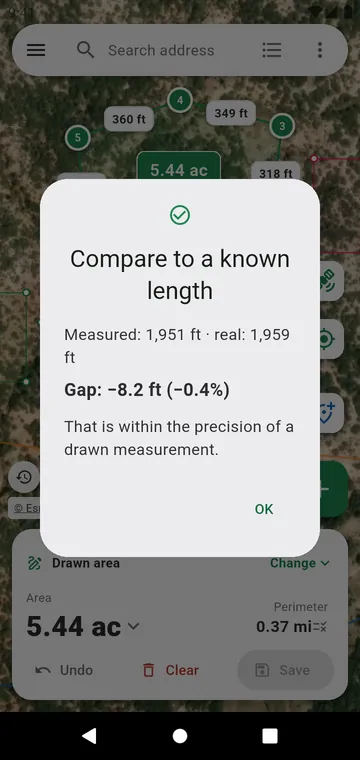
In the tools, Compare to a known length: draw something whose length you know — a sports pitch, a fence, a building — and type its real length. The app shows the gap in length and in percent, and whether it is within the precision of a drawn measurement.
What it is not
It is a measuring tool for a garden, a field or a plot, not a land survey. For a legal boundary, ask a licensed surveyor.
The details of the filtering, the smoothing and the margin are in Reading the result.