

One format for each program
- GPX — for a hiking app or a GPS device (Strava, komoot, Garmin).
- KML and KMZ — for Google Earth; KMZ carries the photos of your markers.
- DXF — for drawing software (CAD), in UTM coordinates, the plot closed.
- Shapefile and GeoJSON — for mapping software (GIS) and web maps, holes included.
- CSV — for a spreadsheet (Excel).
Choose Export… in the Share group of the map tools, or from a saved measurement; each format says what it is for.
Bring files in
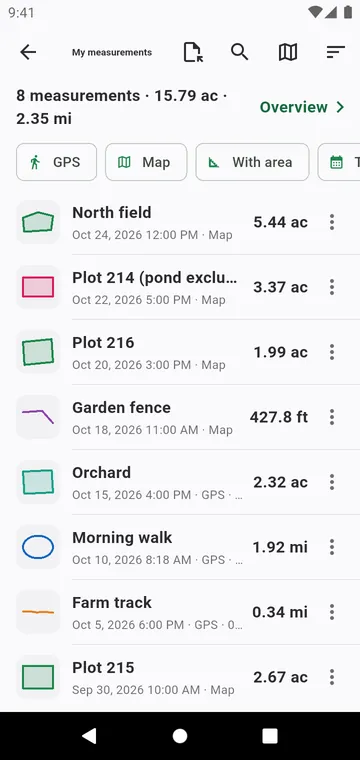
Import a track, in My measurements, opens a GPX or KML file as a measurement. Share as a file that opens in the app sends a measurement — photos included — to another phone that has the app.
Keep everything
Back up my measurements, in My data, writes all your measurements and photos into one file you keep. Android's own backup also moves your measurements to a new phone, with no account in the app.